Validate an NVIDIA GPU Kubernetes cluster before running AI workloads. Check GPU health, RDMA networking, storage, scheduling, resources and observability.
Learn how to add NVIDIA GPU worker nodes to Kubernetes, install containerd and kubeadm, deploy GPU Operator components, validate GPUs, and verify RDMA networking.
Part 3 of the Falcon AI workbook series. Follow along with real commands — this post has no new infrastructure to build. Instead we go hands-on inside the operators installed in Part 2, so you know exactly what “idle and watching” actually means before we hand it real GPU hardware in Part 4. Prerequisite You’ve
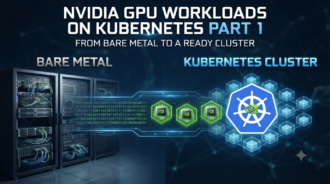
Build a Kubernetes cluster for NVIDIA GPU workloads from bare metal. Configure containerd, kubeadm, HA control planes, CNI, and validate cluster readiness.
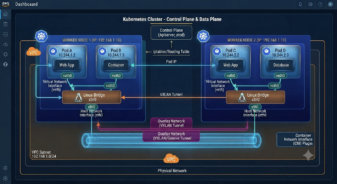
Learn Kubernetes networking fundamentals, including OSI layers, overlay networks, VXLAN, network namespaces, veth pairs, Linux bridges, and pod networking.
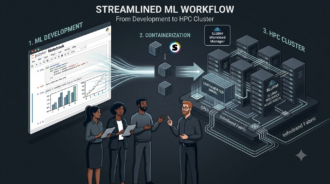
The muscle-memory layer: commands, config files, and scripts — for the networking person moving into HPC/AI Ops (Part two of a series — part one: From Jupyter Notebook to InfiniBand Fabric, covering what the ML/LLM team actually hands you before this stage begins.) Knowing what Slurm is and knowing what a Slurm admin does all